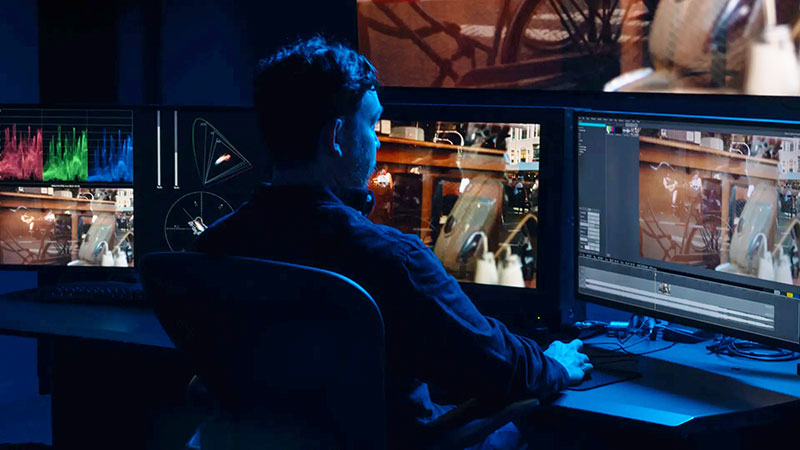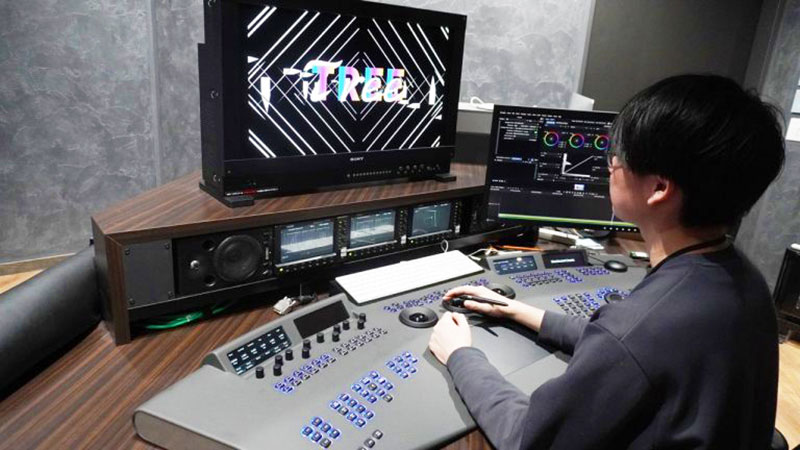


Documentary film maker Steven Esparza based his project’s post production on a DaVinci Resolve collaborative editing and colour grading workflow supported by Blackmagic Cloud.
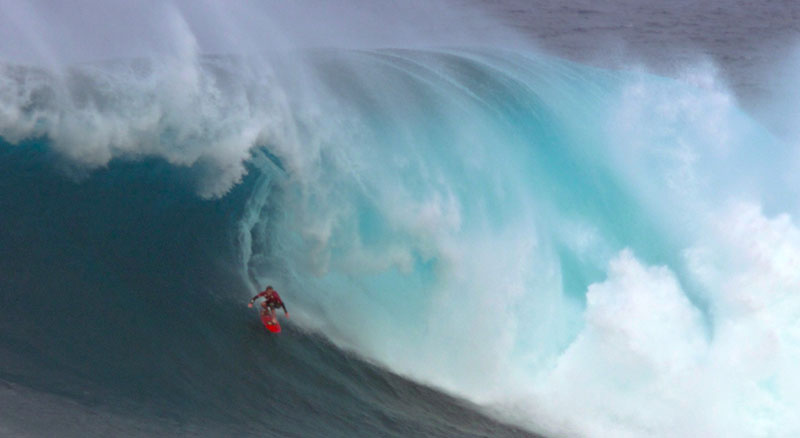
Documentary film director and producer Steven Esparza has released Life on Waves, exploring the genuine thrill that comes with riding big waves, through the story of professional surfer Sarah Hauser. As a follow up to Steven’s earlier Girl on Wave, this new chapter draws viewers deeper into Sarah’s extraordinary life as she pushes the limits of windsurfing and big wave performance.
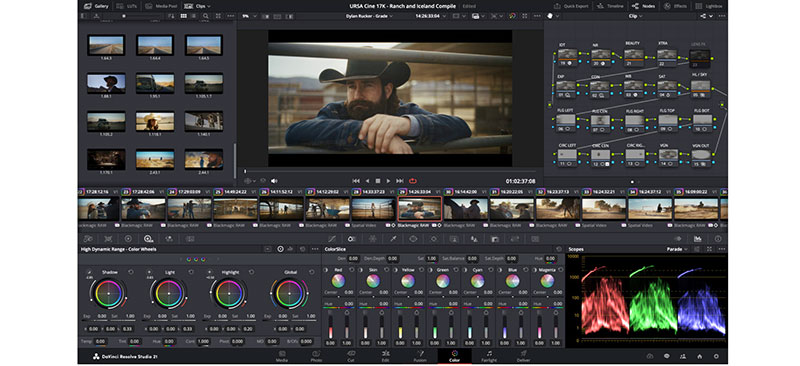
Steven edited and colour graded the project using DaVinci Resolve Studio. The post production team worked through Blackmagic Cloud for real time collaboration, and used DaVinci Resolve Studio’s Fairlight page to ease the audio workflow. Meanwhile, the software’s AI tools helped keep post efficient and production on schedule.
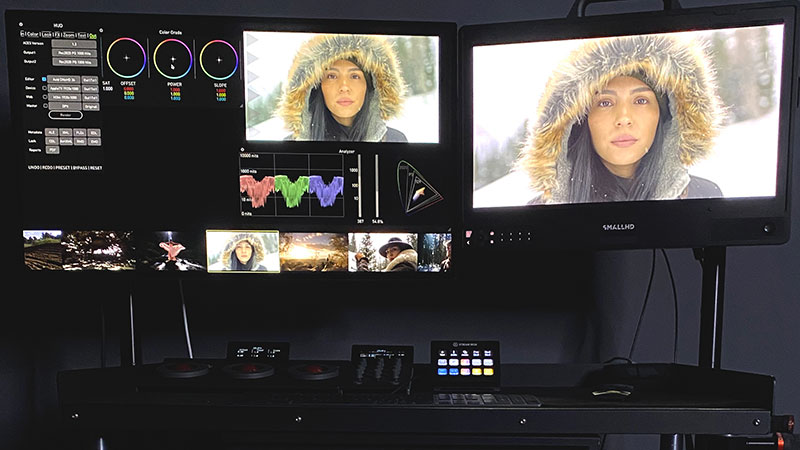
“DaVinci Resolve Studio kept our workflow running smoothly for Life on Waves from start to finish, initially by allowing me to efficiently organise and tag footage,” he said. “Organisation is key – making it easier to create selects and review different takes was very helpful. The real-time colour grading previews also helped me visualise the final look early in the editing process, giving us consistency across scenes. Finally, the multicam editing capability and collaboration via Blackmagic Cloud with my assistant editor improved the workflow so much.”
Continuous Integration
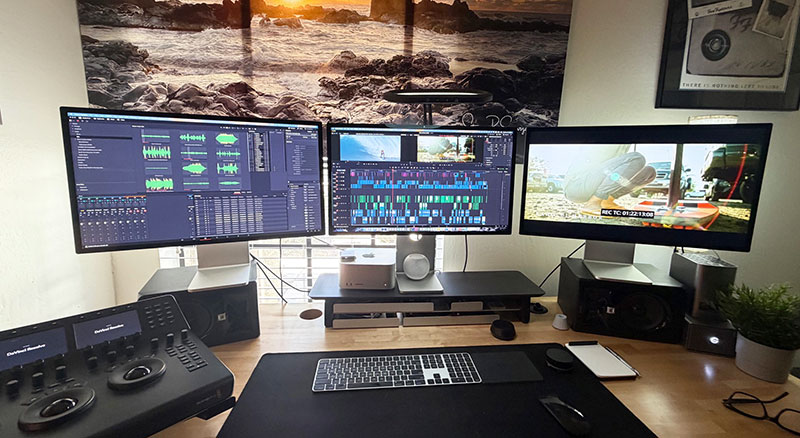
Steven also mentioned DaVinci Resolve Studio's end to end post production workflow, which maintained continuous integration from editing to final colour. “There was no need for round tripping between different software, and working with Colourist Shaley Brooks was very simple using Resolve's collaborative tools. He could refine grades in real time while I fine tuned the edit, all within the same project file,” he said. “Our organised edit structure, with properly labelled bins and timelines, made Shaley’s colour work smoother, saving time and reducing back and forth adjustments.”
Shaley said, “Since I work with camera originals, the storage footprint is quite large, which is exactly where the Blackmagic Cloud Store stands out, particularly for proxy workflows and collaborative remote editing via Blackmagic Cloud. I also make frequent use of Resolve’s Media Management tool for trimming files without transcoding, which allows me to keep working with original camera media at a reduced storage footprint.”
He agrees that Life on Waves is an excellent example of using DaVinci Resolve as a central hub for filmmakers. “Steven’s decision to use Resolve for the creative edit resulted in a smooth post production pipeline, and we were able to finish the project using his original ‘offline’ creative cut, which allowed me to transition into colour with minimal effort and effectively eliminate the traditional ‘online’ stage.”
Essential AI Tools
Shaley described DaVinci Resolve Studio’s AI tools as essential to supporting post on the project. “I used Motion Estimation for material that wasn't in our native 23.976 frame rate, and the Super Scale tool for lower resolution sources, such as archive stills and footage not shot by Steve. These features have largely replaced my need for third party AI tools, which benefits the workflow. I also use Resolve’s Face Refinement tool regularly, and while it wasn't heavily needed on this project, I did apply it selectively where it was helpful,” he noted.

Steven found that Resolve Studio's AI audio tools were a huge timesaver, cleaning up problematic dialogue and background noise very quickly. By isolating and enhancing the audio, they avoided costly reshoots and kept production on schedule.
During audio processing, DaVinci Resolve Studio’s Fairlight page allowed his team to export clean, organised stems for the mixer, Steve Griffin. Shaley agreed and said, “I also use the Fairlight page for deliverable management, making sure that audio is correctly mapped and at the correct levels as specified by the sound mixer.”
“Blackmagic Design makes high quality, cost effective filmmaking accessible,” Steven said. “I originally transitioned to DaVinci Resolve Studio because of its direct integration with RAW files and faster rendering times, and I’ve never looked back.” www.blackmagicdesign.com