
At IBC 2026, Avid will show new Media Composer 2026.8 and its recent agentic capability, Ready to Edit, plus a closer connection between Media Composer and Avid Content Core.
Ready to Edit
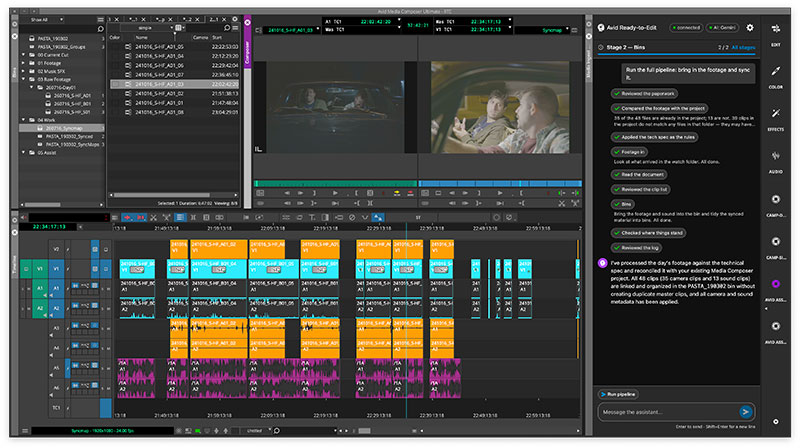
At IBC 2026, Avid will show the new Media Composer 2026.8, and its most recent agentic capability, Ready to Edit. Visitors will also see how a closer connection between Media Composer and Avid Content Core is bringing media intelligence and workflow context directly into editing work via an agentic orchestration layer and embedded AI capabilities through the new Google Gemini panel. These developments intend to embed AI into connected editorial workflows rather than adding it as a series of standalone features.
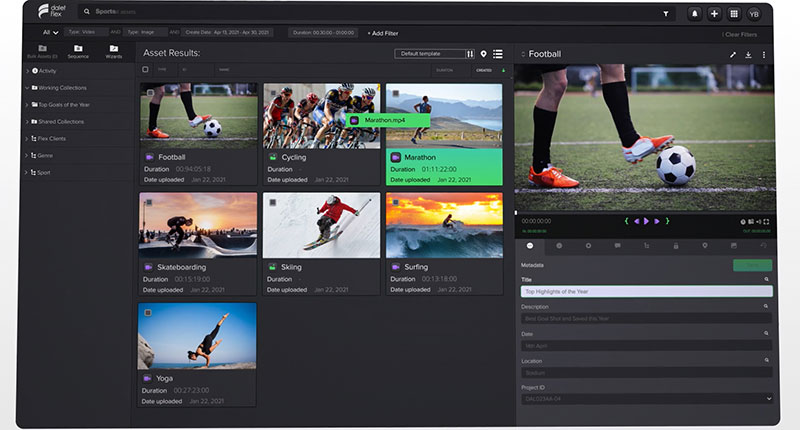
Avid Content Core is a cloud-native media production platform used to manage, edit, review and publish content from outside locations. By combining collaboration, enhanced with AI, with Avid’s transcoding, archiving and orchestration functionality, it simplifies and speeds up story production for digital and linear platforms. The goal is to enable more of the preparation and routine work to be automated while leaving editorial oversight and creative control up to editors.
Media Composer 2026.8
Available from 1 September, Media Composer 2026.8 expands the collaboration and storage options available through Media Composer Shared Projects, which supports work across multiple locations, storage environments and stages of production. New Shared Projects options, clearer product tiers and practical editorial updates reduce workflow friction by allowing a choice of collaboration model.

Media Composer 2026.8 broadens Shared Projects access, which helps Avid teams work together using Avid NEXIS while also giving Enterprise users the flexibility to use third-party shared storage environments for the first time. Avid NEXIS is now available for Shared Projects from the Media Composer Standard tier upward. In contrast, the Enterprise tier enables fully supported, secure collaboration with qualified third-party storage solutions.
Teams collaborating on non-NEXIS shared storage have previously relied on unauthorised, unsupported third-party emulation software that impersonates Avid's storage behaviour on Avid NEXIS. This factor limited Avid’s ability to resolve issues or improve the workflow. Consequently, Media Composer Enterprise now includes this functionality, allowing adequate support, so teams collaborating on non-NEXIS storage still have a tested, maintained workflow.
In general, Shared Projects enables post teams to keep using familiar workflows while connecting more of the storage and infrastructure already in place across production. With wider access, more editors can use Avid NEXIS as an established shared storage foundation for Media Composer collaboration. At the same time, Enterprise customers can securely work across more distributed workflows and complex storage environments.
Adding Functionality
The new release also gives users a more straightforward way to gain more functionality within the Media Composer family. The scope of Media Composer First to work as a no-cost entry point for aspiring editors, students and emerging talent is now increased, for instance, while Standard, Ultimate and Enterprise align capabilities to progressively more advanced professional, AI-assisted, and secure collaborative workflows.
In this way, as their requirements evolve, users can more easily understand what is included, what requires a new license, and how to move into the capabilities they need without leaving the Media Composer ecosystem.
Practical Editorial Updates
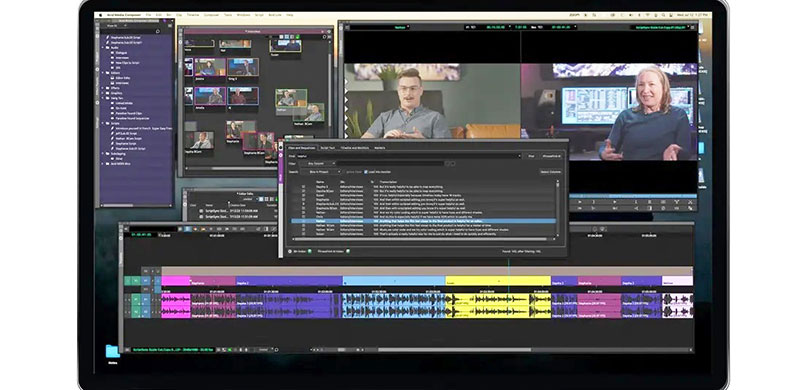
Media Composer 2026.8 is adding features to help editors move faster through post production workflows while keeping more of the process inside Media Composer. PhraseFindAI Multicam Auto Cut, for instance, drives multicam selection based on the speaker and places cuts on speech boundaries, speeding editorial while preserving creative control.
Transcript Tools now include revert transcript edits, split segments and continuous playback in the viewer, aiming to improve review, story refinement and transcript control. An OpenTimelineIO 2.0 Adapter update improves test coverage and round-trip fidelity with third-party tools, boosting interoperability and reducing friction when exchanging timelines across applications.
The What's New Window feature highlights new capabilities and links users directly to documentation and learning resources in order to ease teams’ discovery and adoption of new features.
Other updates include Choose Bin Column Search, Swap Audio Track from Subclip and Titler+ Keyframe Rectification to improve search precision, audio flexibility, and timeline reliability – along with expanded APIs for automation and integration.
Ready to Edit
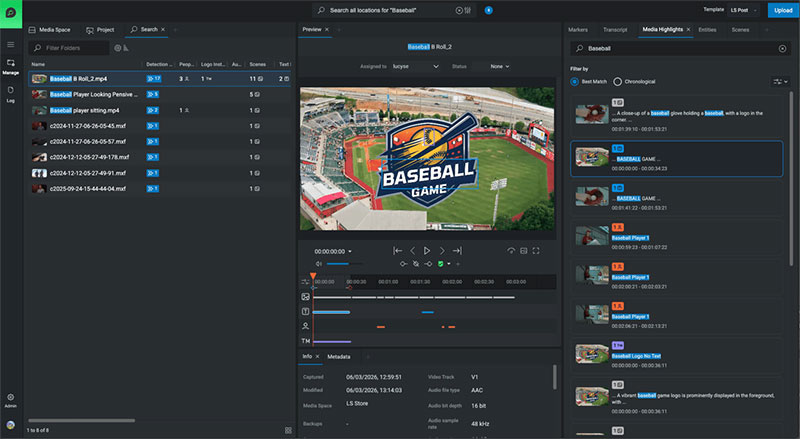
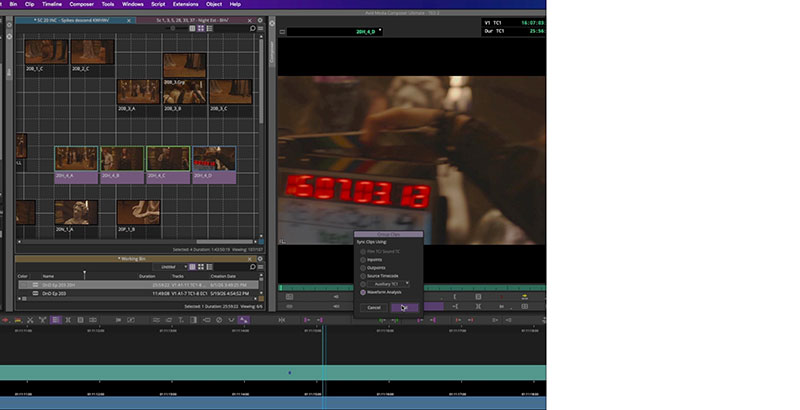
The Ready to Edit panel extends Media Composer’s AI functionality beyond individual AI features to enable more intelligent, connected production workflows, along with deeper integration between Media Composer and Avid Content Core, as mentioned above. The Content Core panel inside Media Composer allows editors to access, search and use assets from across the wider media system without leaving their regular editing environment, with support for publishing Avid Content Core assets directly from Media Composer.
Avid's plans for browser-based Media Composer workflows will also be previewed at IBC2026, beginning with web-based editing capabilities within Avid Content Core. Designed to extend professional editorial workflows rather than replace desktop Media Composer, this approach is expected give teams greater flexibility to review, prepare and work with content in a browser before moving into deeper craft editing. www.avid.com