

New Ultimate EFS configuration, connected MediaSilo workflows and multilingual FLOW AI bring storage, discovery and collaboration together for efficiency and clarity across productions

EditShare recently made new developments across EFS storage, FLOW AI, MediaSilo and EditShare One that were shown at IBC2026. The company's primary announcement was a new all-in-one Ultimate EFS configuration for EFS 310 and EFS 410 that features FLOW AI’s GPU-powered processing built directly into it. Multilingual transcription has been expanded, and FLOW’s new AI capabilities are improved.
EditShare One, functionality that gives users connected access across the company’s storage and data management systems, is now more comprehensive. Finally, visitors also saw a preview of the next evolution of MediaSilo as a production media hub.
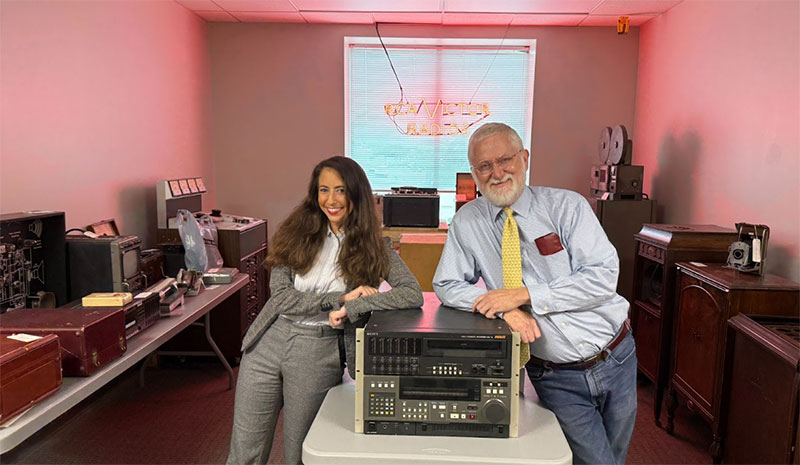
Digital Media World met EditShare’s Co-founder and EVP Sales Tara Montford at the RAI in Amsterdam, who talked about production teams managing media across a wider range of storage platforms, locations and collaboration tools than has been necessary before. The company aims to bring organisations’ workflows closer together for efficiency, without forcing them into a closed system of products.
The developments introduced at IBC connect high-performance storage, intelligent media discovery and secure collaboration, and can help teams find content faster and move projects forward with fewer manual steps.
Ultimate EFS – AI-powered Media Discovery
EditShare launched new all-in-one Ultimate EFS configurations for EFS 310 and EFS 410. These configurations build FLOW media management and the recent GPU-powered FLOW AI processing features directly into the nodes.
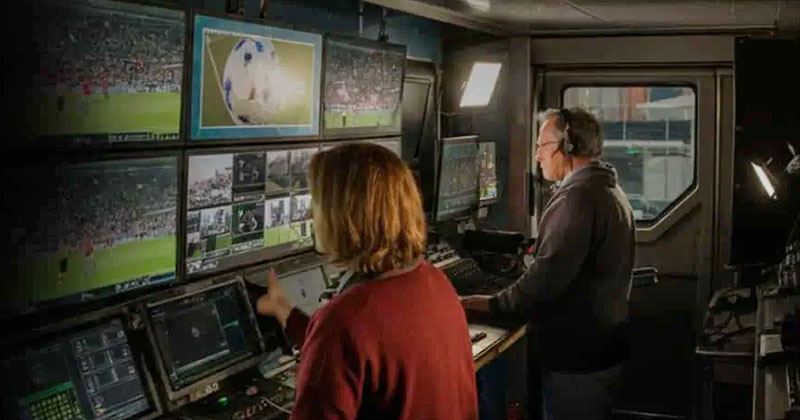
FLOW AI is a series of search and discovery capabilities built directly into the existing FLOW asset management system. By combining shared storage, media management and AI processing, the all-in-one configurations result in a more accessible route to AI-assisted media discovery for teams that do not require the processing scale, and are not prepared to meet the cost, of a dedicated standalone GPU system.
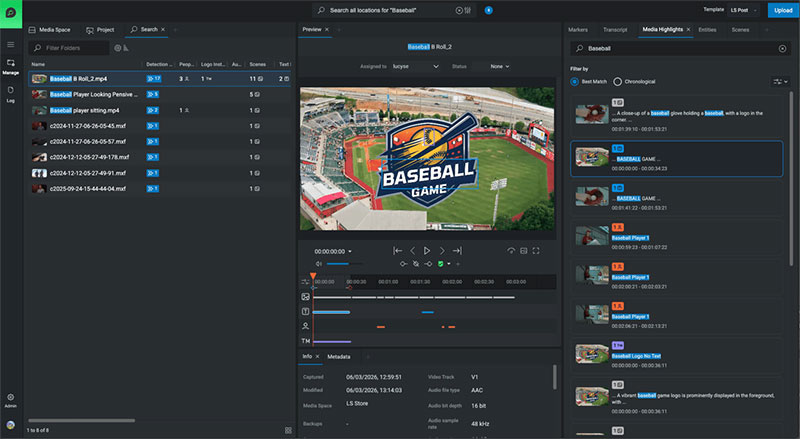
FLOW AI analyses audio and video to create structured, searchable metadata. Teams can search dialogue and transcripts, identify scenes and faces, detect logos and read on-screen text, helping them locate useful moments instantly.
Because processing takes place on-premises and does not need content to be sent to a third-party AI service, organisations can maintain greater control over security, privacy and data governance. This model also means that processing is predictable and essentially unlimited - users can analyse as much content as their system can support without per-minute or usage-based AI charges.
FLOW AI is expanding transcription support across 13 languages – English, Catalan, Croatian, Czech, Danish, Dutch, French, German, Greek, Italian, Portuguese, Spanish and Turkish, with Hebrew and Arabic to follow shortly after.
Expanding language support will help broadcasters, production companies and post-production teams apply AI-assisted search and discovery across a wider range of international content.
FLOW AI also enhances people and logo management by supporting clearer visual identification of tagged people and logos within the media player timeline.
MediaSilo - Hybrid Media Production Workflows
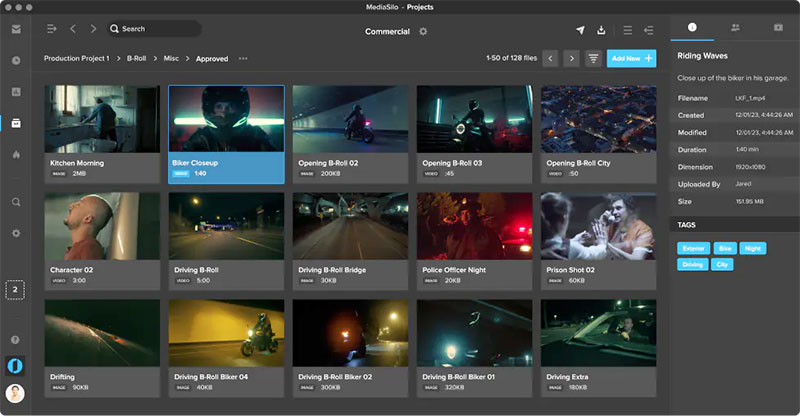
MediaSilo file sharing and collaboration
EditShare also showed how MediaSilo, its collaboration software and services for video productions, is expanding its previews functionality beyond review and approval, to create a broader production media hub. Media Drives is a new connected-storage capability for authorised users who need to access approved S3-compatible storage directly through MediaSilo. It includes local EFS storage presented through S3 – AWS scalable storage services based on object storage - and supported on-premises and cloud platforms.
Teams will be able to browse folders, search mounted media by filename and preview content, but leave it where it is stored. They can then copy only the files they need into MediaSilo, rather than transferring everything before they know what is needed.
Once the media is in place, teams can use MediaSilo AI to search transcripts, on-screen text, people, logos and scenes. The same workspace supports timecoded feedback, version management, dailies, approval tracking and protected external review.
External collaborators can also access content through a browser without joining the production network or using a VPN. Forensic and visual watermarking, DRM, expiration controls, permissions and download restrictions help protect unfinished and pre-release media. User accounts can also be protected with multi-factor authentication (MFA) for a further layer of access security.
The connected nature of this workflow reduces the need to transfer files and creates a more direct handoff between production storage and secure collaboration.
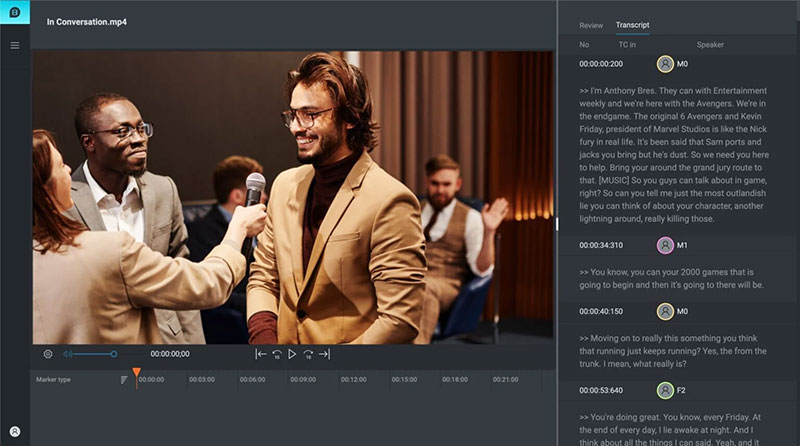
EditShare One’s Transcription View is a AI-integrated application that that speeds up identification of the key points in large media captures.
EditShare One Connects Everyday Media Operations
EditShare demonstrated new developments in EditShare One, giving users a faster, more natural way to access and manage content across EFS and FLOW. EditShare One’s modules unify the way teams work with production asset management and media storage tools. For instance, EditShare One’s Organize module works as a centralised media asset management system that works across on-premises, cloud and hybrid environments. The Produce module allows remote review and approval without the need to download files.
It covers associated operations like metadata tagging for quick search and management, workflow automation and AI-driven transcription and logging.
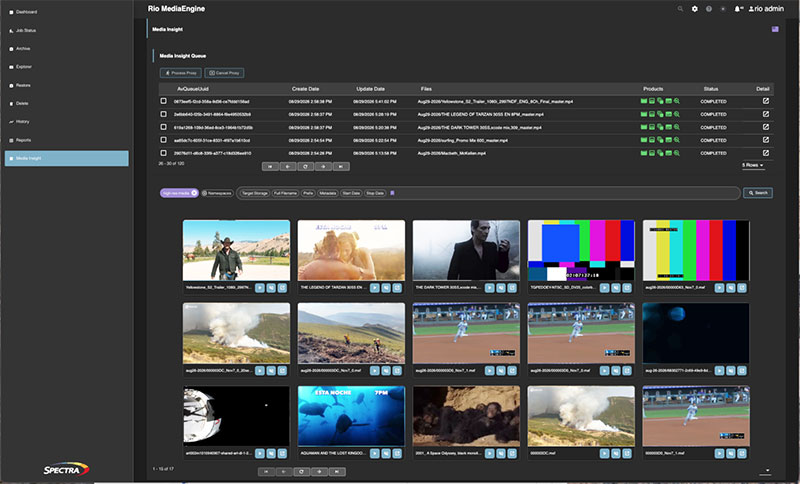
Users now have an expanded archive workflow and can archive and restore complete media spaces or folders directly from EditShare One, making it easier to manage large collections without handling assets individually. The workflow also supports integrations with Telestream DIVA Archive and Spectra Logic Rio MediaEngine, in addition to the 3rd party storage capabilities already supported within FLOW.
Other improvements to EditShare One simplify common production tasks. Users can copy and share direct asset links, download original or proxy media, and drag single or multiple media items, subclips, markers, highlights and scenes directly into projects, bins or sequences. Improved metadata editing, column sorting, automatic panel reopening, file-browser controls and timeline zoom make content easier to navigate and manage. editshare.com