

Canon‘s new Multi-Camera Orchestration is a fee-based application for single users who need to operate professional multi-camera productions on their own in live environments
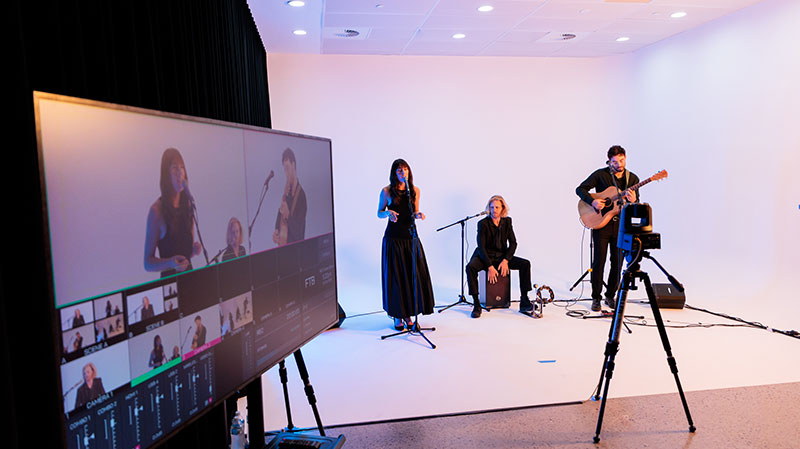
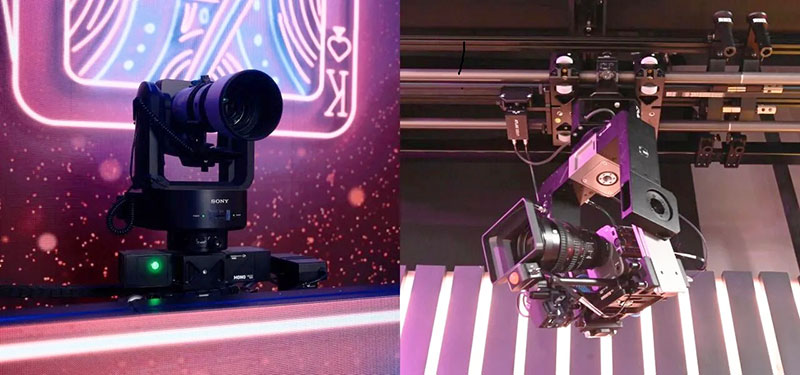
Canon‘s new Multi-Camera Orchestration (MCO) is a fee-based application for single users who need to operate professional multi-camera productions on their own in live environments such as podcasts, news, talk shows and studio productions. MCO synchronises multiple pan-tilt-zoom (PTZ) cameras to one main camera, automating movements and simplifying complex workflows.
By assigning a single primary camera to lead, sub-cameras automatically respond to pan, tilt and zoom movements while maintaining predefined roles. This allows operators to execute coordinated camera moves and switch cameras’ role sets immediately, without manual reprogramming during live production.
Enabling more consistent performance, even during fast movement and tight zooms, MCO improves on subject tracking when using overhead cameras. Cameras automatically return to the subject position without resetting, which helps the operator maintain visual continuity in dynamic live scenarios.
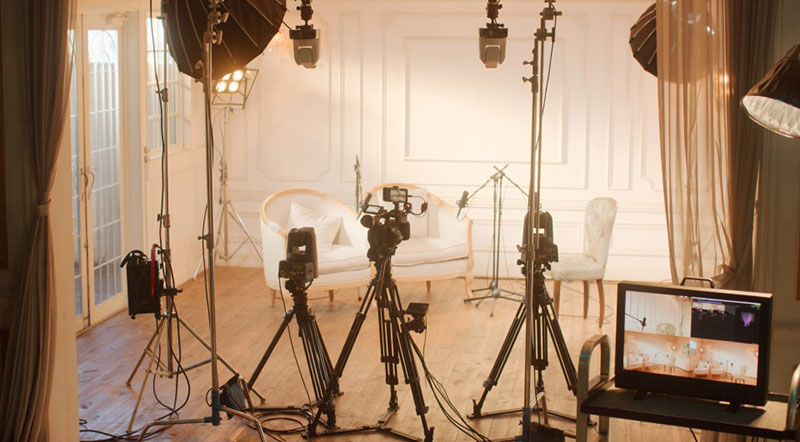
While on air, shots can be locked almost instantly to establish stable framing and avoid unwanted camera movement. Operators can also define no-track zones to prevent distractions and keep cameras focussed only on key areas of the scene.
To enable use, users need to have the Canon Multi-Camera Control V 1.5 application installed on an iPhone, except when only using Canon PTZ cameras. As well as Canon remote PTZ models, Canon professional video cameras, cinema cameras and third-party system cameras can be used as the main camera, as long as Canon lenses are fitted.
With the full version, users can synchronise up to four PTZ cameras, and up to three PTZ cameras with the lite version. For information on licensing fees, contact the Canon Professional Imaging team, here. www.canon.com.au/professional