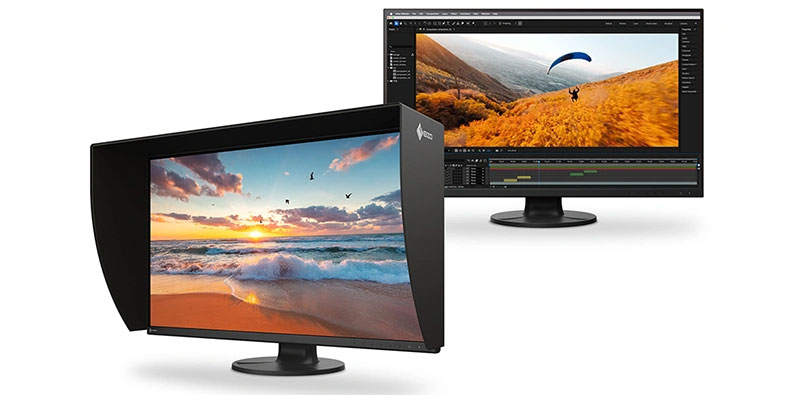
Mari 7.5 has a new Multi-Paint feature developed as a collaboration between Foundry and Wētā FX, a Texture Transfer system, an expanded asset library and an Image Manager.
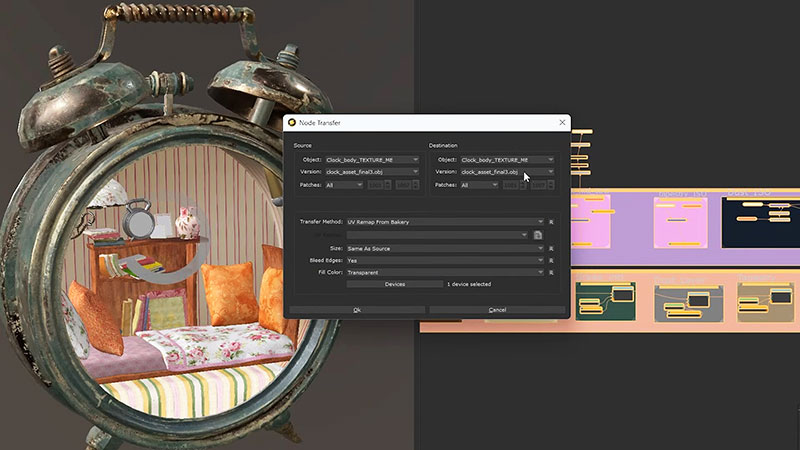
Texture Transfer
Mari 7.5, Foundry’s collection of paint tools specialised to handle large, detailed assets with high resolution textures, has a new Multi-Paint feature, plus other improvements that increase efficiency and flexibility for artists who need to focus on the detailing and depth of their textures.
"Multi-Paint has been developed to allow artists to paint up to eight different streams at the same time, improving efficiency to leave more time for the detail work that brings stories to life," said Charli Holt, Mari Product Manager, Foundry.
Multi-Paint Node
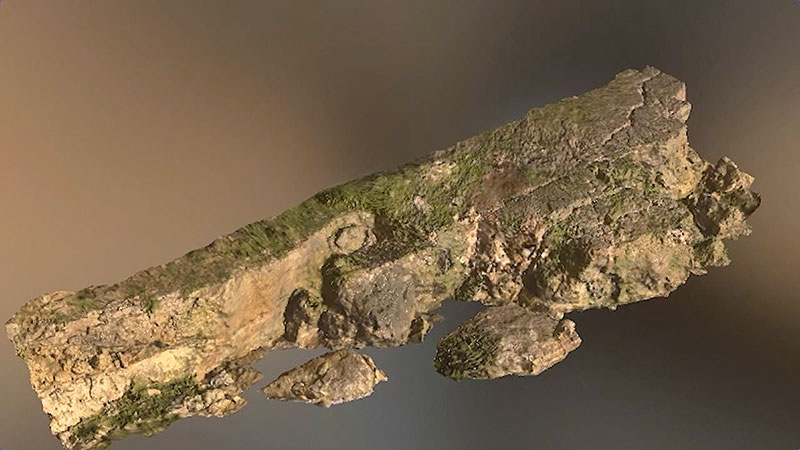
The introduction of the Multi-Paint Node was a collaboration between Foundry and Wētā FX, which began as a shared development project and is now in use at the studio. Users can paint or project images on up to eight different streams simultaneously, using any Mari paint tools, and manipulate the applied images without committing to a bake.
Multi-Paint Node
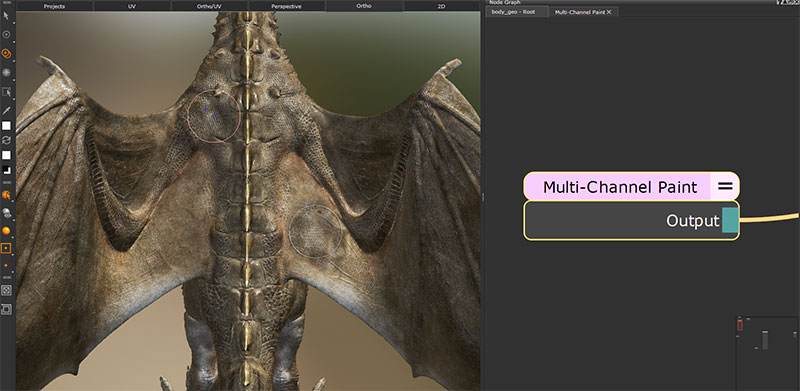
An artist can paint into the colour stream, and bump and displacement streams simultaneously, which not only increases speed but also helps when using texture packs because it makes manually editing each stream and matching different images unnecessary. Once a Multi-Channel Paint node is created, the streams for that node are edited and controlled via the Multi-Paint palette, controlling the colour or image applied to each individual stream during the painting process.
The Multi-Paint Palette's settings are stored by shader model. When switching to a node in the node graph that is using a different shader, the panel will update to reflect the new node's settings and shader model. Multi-Paint Presets also help save time when creating a Multi-Channel Paint node. The presets contain specific stream settings that automatically populate the Multi-Paint palette when applied.
"Mari is critical to our ability to deliver high quality work, and our collaborative relationship with Foundry allows us to push the software even further. The new multi-paint capability fundamentally changes how artists are able to work. It originated as a shared vision when working on some of 2025's biggest projects, and we're happy to see it formally released in Mari 7.5," said Kimball Thurston, CTO at Wētā FX.
Texture Transfer
Mari 7.5 includes support for UDIM workflows in 3D project painting and non-destructive layer and node graph systems for procedural iteration. The update is also compatible with standard formats such as FBX, OBJ, Alembic, OpenEXR and USD, and can scale to more than one million polygons in a single topology.
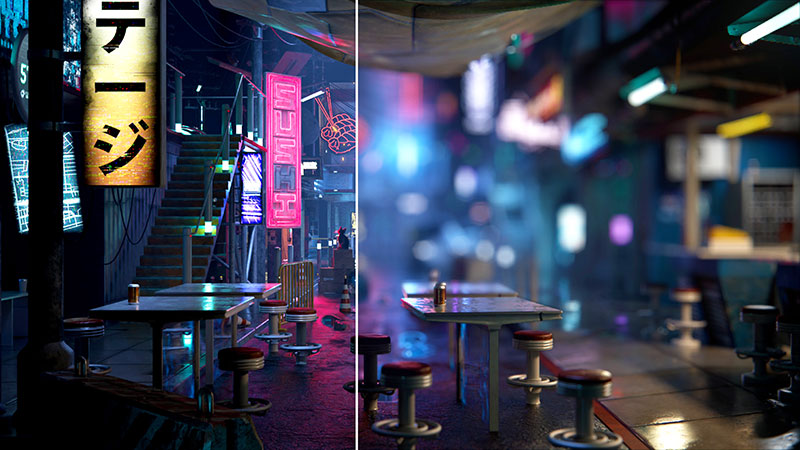
Among other features in Mari 7.5 is a new Texture Transfer system using Mari's Bakery. The resulting map baking engine improves iterations across projects and removes the need to recreate textures manually.
Existing paint data may be transferred from one object or object version to another by transferring Layers, Channels or Nodes, useful for re-creating work on an object with minimal changes and similar topology or an object with the same topology but a different UV layout. Through the Transfer dialogue for a chosen texture, users specify which object, version and patches to use as a source, and which to use as a destination.
Animal Maps and New Skins
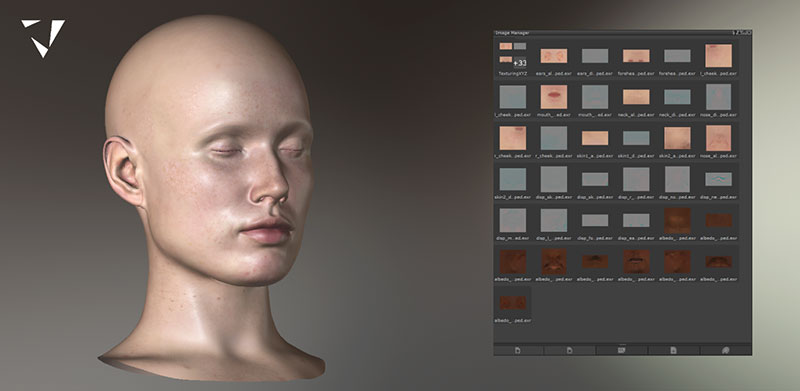
Mari’s asset library has been expanded with three new animal maps and 54 new skins from high-resolution texture data provider TexturingXYZ, and new brushes from Texture, Look Development and Materials Artist Bradford deCaussin, giving artists more options to detail their work.
TexturingXYZ
Updates to core tools, including autosave, backups and crash reporting are now in place. Mari’s optimised project backup system restores archives to a previous state in time. Missing files can be recovered from autosaves or backups in projects. Backups, including automatic ones, can also be tagged via a new menu item for navigation.
With the new crash-reporting system, artists and studios can submit crash and bug reports back to Foundry without sharing sensitive project information.
A new Image Manager assigns and groups images according to requirements. Users drag-and-drop images into the Multi-Paint palette, search and view them all in one place. Image Groups are another option within the Image Manager, and can also be useful for organising images ready for Multi-Paint - because Image Groups only exist within projects, you can create specific groups depending on what your project demands.
Mari 7.5 is now available as a free download for customers with an active subscription. Solo artists can access the new features with a Mari Individual license. www.foundry.com
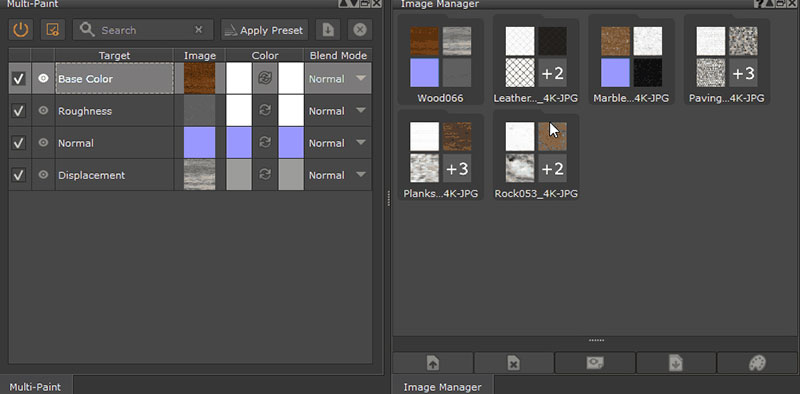
Image Manager