Autodesk has added new functionality to Autodesk Maya, 3ds Max, Flow Production Tracking and Arnold that helps save time on animation and visual effects production.
At SIGGRAPH 2026 in late July, visitors learned about new functionality added to Autodesk Maya, 3ds Max, Flow Production Tracking and Arnold that helps save time on animation and visual effects production. The software’s new tools address basic motion blocking for animators, for example, and the recreation of existing objects and locations, incremental iteration on lighting and materials, as well as coordinating reviews between distributed teams.
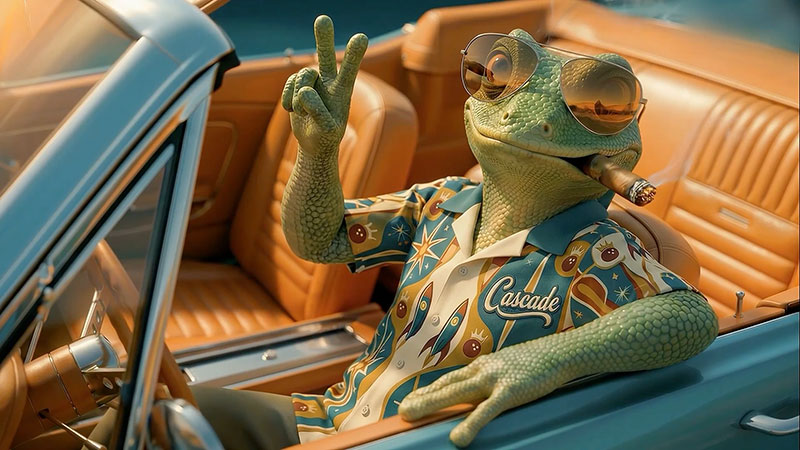
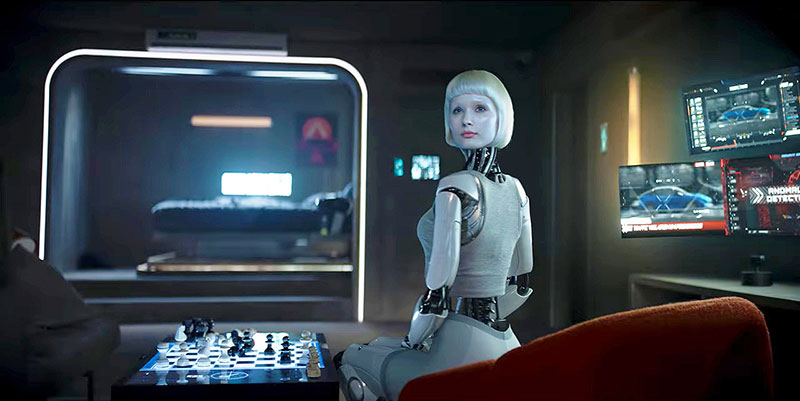
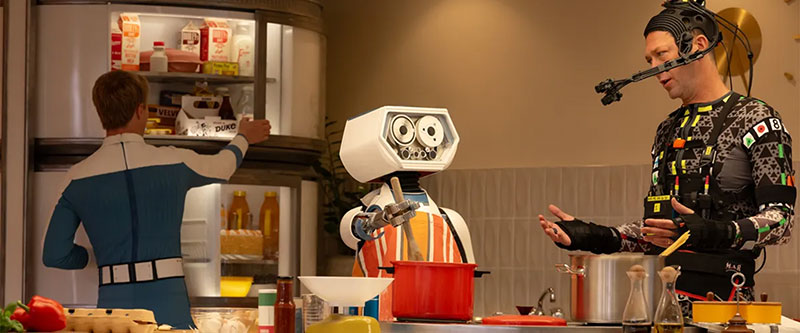
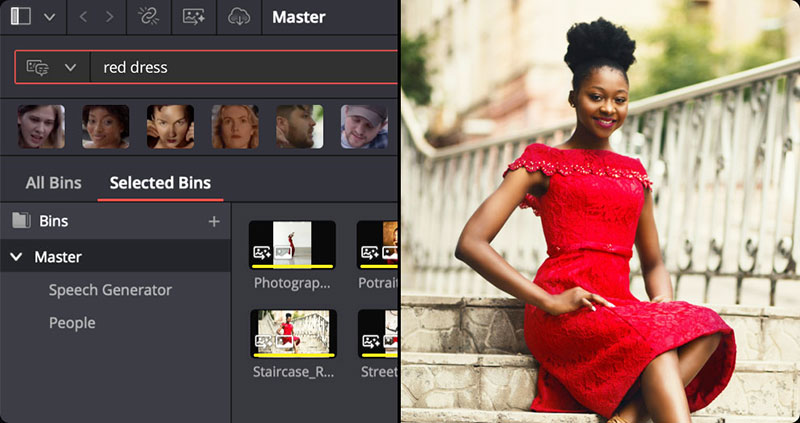
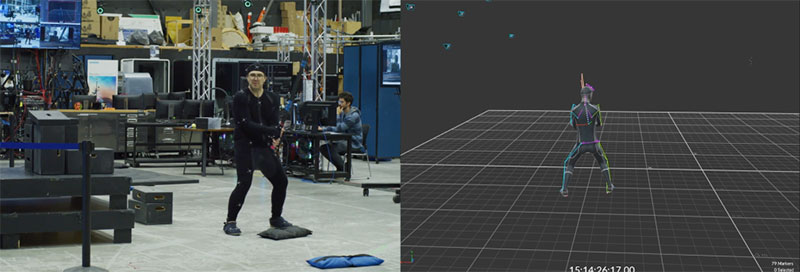
The goal is greater efficiency. Several of these capabilities also build on the introduction of AI-powered capabilities into the applications earlier in April 2026, which included developments in Flow Studio, software that automates motion capture, camera tracking, alpha masks and other set-up tasks. 3D characters can be created from text or image prompts, and automatically rigged for animation. Their performances can either be driven with mocap, also AI-generated, or the characters can be exported to 3D tools for more control.
AI-Assisted Animation – Effect on Workflows
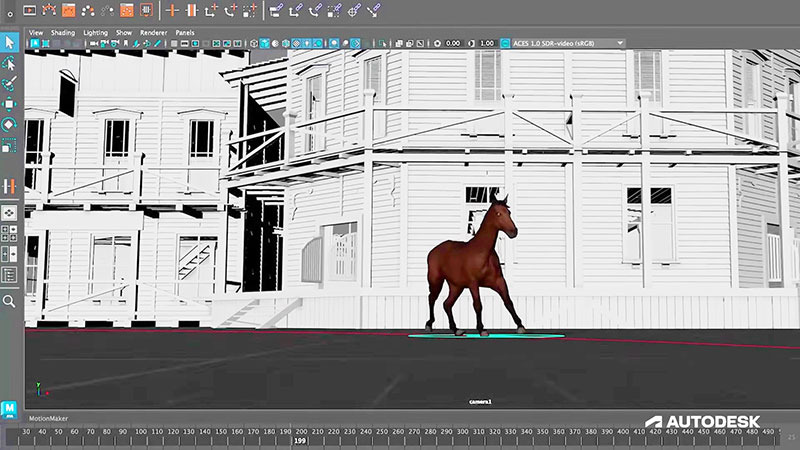
Artists can also use the motion archetypes in Maya’s MotionMaker, which uses AI to generate a realistic base motion in a few seconds. Motion archetypes supply artists with natural human or horse movement to begin with. Then, instead of starting from scratch, animators can devote their effort to refining performances, timing and character personality. The motion remains editable, and the same style can be applied to other bipeds or quadrupeds. This ability also builds on MotionMaker’s existing biped and canine motion styles.
With these new tools, animation workflows start at a different stage that they traditionally do. For instance, very quickly turning 3D models into animation-ready characters could involve driving animations directly from video inputs, and skipping rigging workflows, normally very complex, to focus on storytelling. The rigged assets could then be exported to Maya, Blender and Unreal engine for other project-specific workflows.
However, Autodesk notes that although AI tools like Flow Studio and MotionMaker make it easier to generate 3D assets, turning them into expressive characters remains complex and technical, and demands expertise in rigging, animation, lighting and rendering. It is also difficult to know the effect of shortening exploration and look development stages on final results., as many AI tools put speed ahead of control, producing generic, templated results.
Therefore, new AI Rigging and Neural Layer tools (AI-assisted rendering for look development) in Flow Studio are intended to bridge the divide between AI content generation, and artist-driven storytelling.
More Changes in Maya, 3ds Max and Arnold
Some other updates coming to Maya, 3ds Max and Flow Production Tracking include making it possible to bring your own animation data to MotionMaker in Maya, so that a team can train custom generative motion models using their own rigs and animation datasets. The training data can include stylised motion-capture performances or hand-keyed animation.
Once a model has been trained, it can generate foundational motion that artists continue to direct, edit and refine with the regular tools in Maya, including Graph Editor, Time Editor and Dope Sheet. As mentioned, this capability builds on MotionMaker’s existing support for generating biped, canine and horse motion.
For small teams especially, MotionMaker helps by enabling artists to train a model once and reuse it, reducing repetitive animation work and leaving more time for storytelling, hopefully without sacrificing quality.
3D Gaussian Splats in 3ds Max
3ds Max makes 3D Gaussian Splats (3DGS) editable within modelling, animation and scene-building workflows that allow creative control.
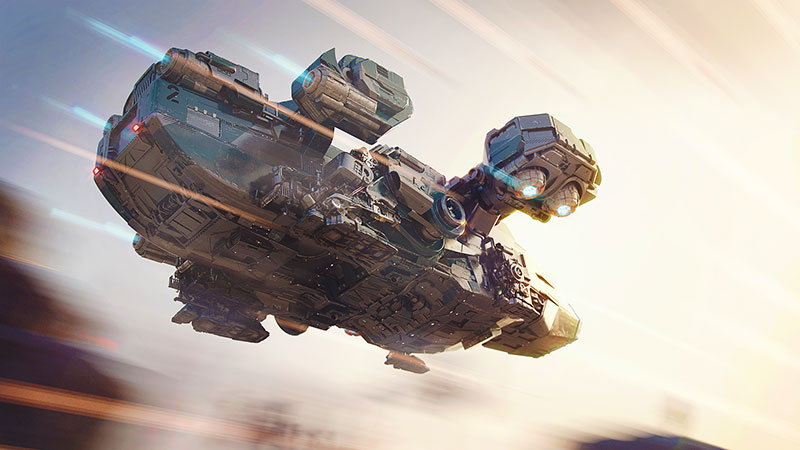
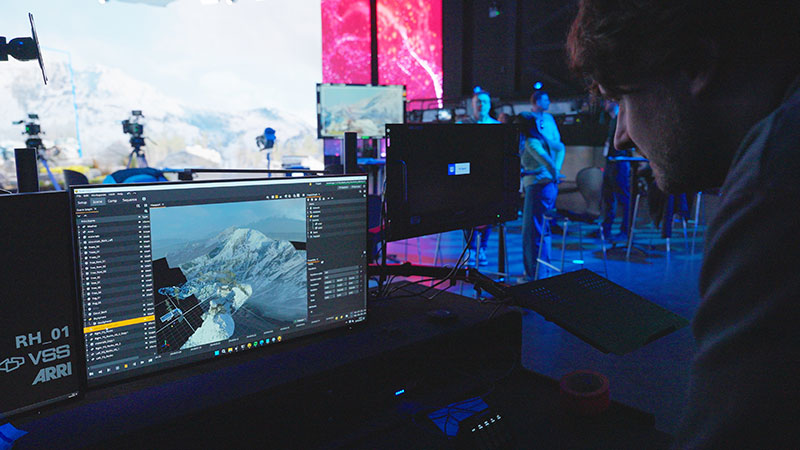
The 3D Gaussian Splats data format is used to represent existing objects and environments, not only displaying elements but also integrating captured data into traditional workflows. Using a new point object system in 3ds Max, each point stores position, orientation, scale, colour, custom attributes and instanced geometry, while remaining lightweight enough to handle complex datasets efficiently.
For AI-assisted content creation, artists can also bring environments they have created with tools like World Labs Marble directly into 3ds Max as well, to edit and refine AI-generated scenes as part of existing workflows.
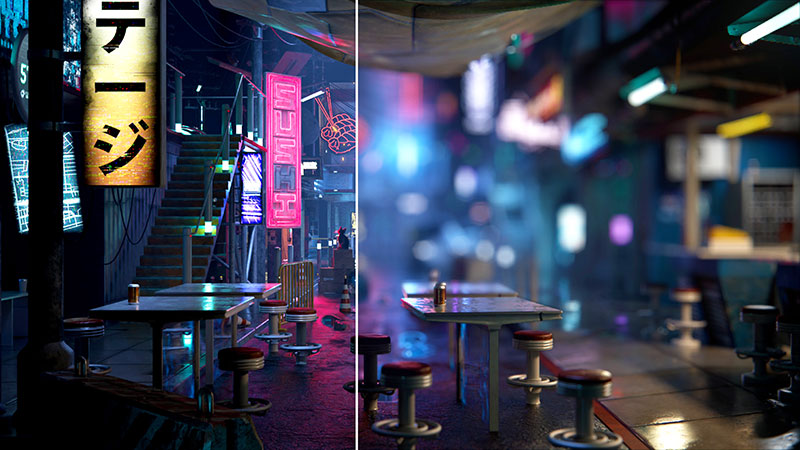
Using native 3DGS rendering in Arnold, a user can precisely control the look of Gaussian Splats by adjusting lighting, shading and colour for the final render.
Interactivity in Arnold
Users can now see changes happening in real time with Arnold’s interactive viewport rendering in Maya.
Artists have more immediate visual feedback as they adjust lighting, materials and scene composition, ultimately allowing them to work faster and at a higher quality. The shorter feedback loop also makes it easier to explore creative options and refine complex scenes before committing to a final render.
Synced Reviews
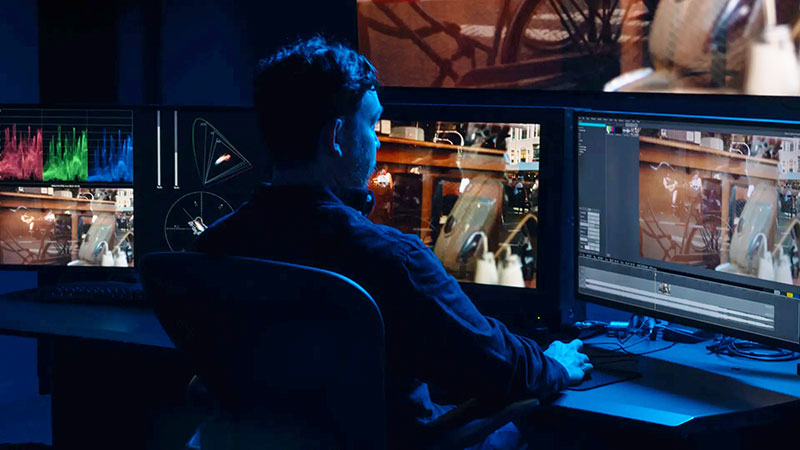
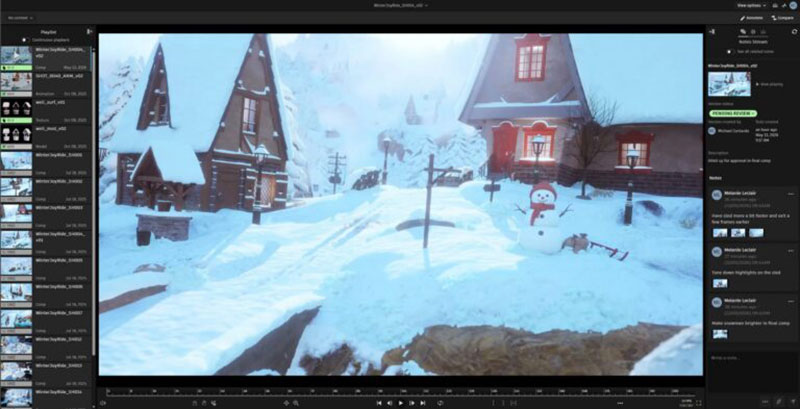
Review in Flow Production Tracking is unified – post-production teams can review media, compare versions, return feedback and collaborate in real time within a single, connected environment. Teams can host and synchronise review sessions where multiple users control real-time playback, annotations and feedback together. Anyone from their Flow Production Tracking site may be invited to join, including users working in RV. Whether artists are reviewing remotely, directors are watching from a screening room, or teams are collaborating in Flow Production Tracking, playback is synchronised throughout the review. www.autodesk.com